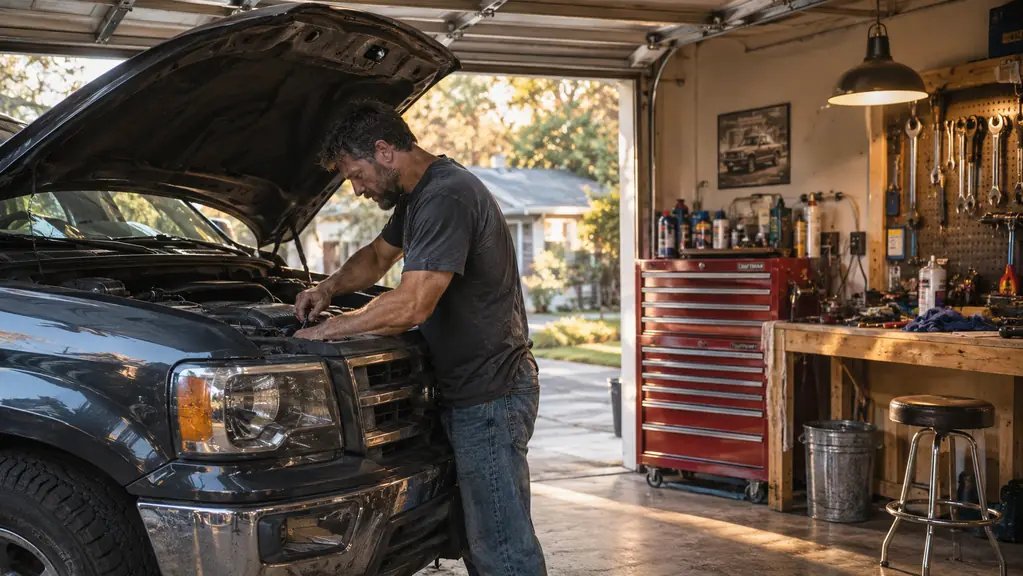
The check-engine light came on in my 2011 F-150 about two years ago, on a Tuesday morning, right as I was backing out of the garage. I did what I have done a hundred times: I sighed, parked, and started guessing. Spark plugs? The MAF sensor? Something in the emissions system? I pulled the air filter and held it up to the light, wiped the MAF sensor with cleaner, even swapped in a fresh set of spark plugs I had on the shelf. None of it turned the light off. By noon I had a list of parts I did not need and a Saturday I was not getting back. I could have loaded the truck up and taken it to a shop, but I spent thirty years turning wrenches on county loaders and graders, and I do not like paying somebody to tell me what I can find out myself. I wanted a tool that would tell me what the engine computer was actually seeing, not just hand me a code to look up online.
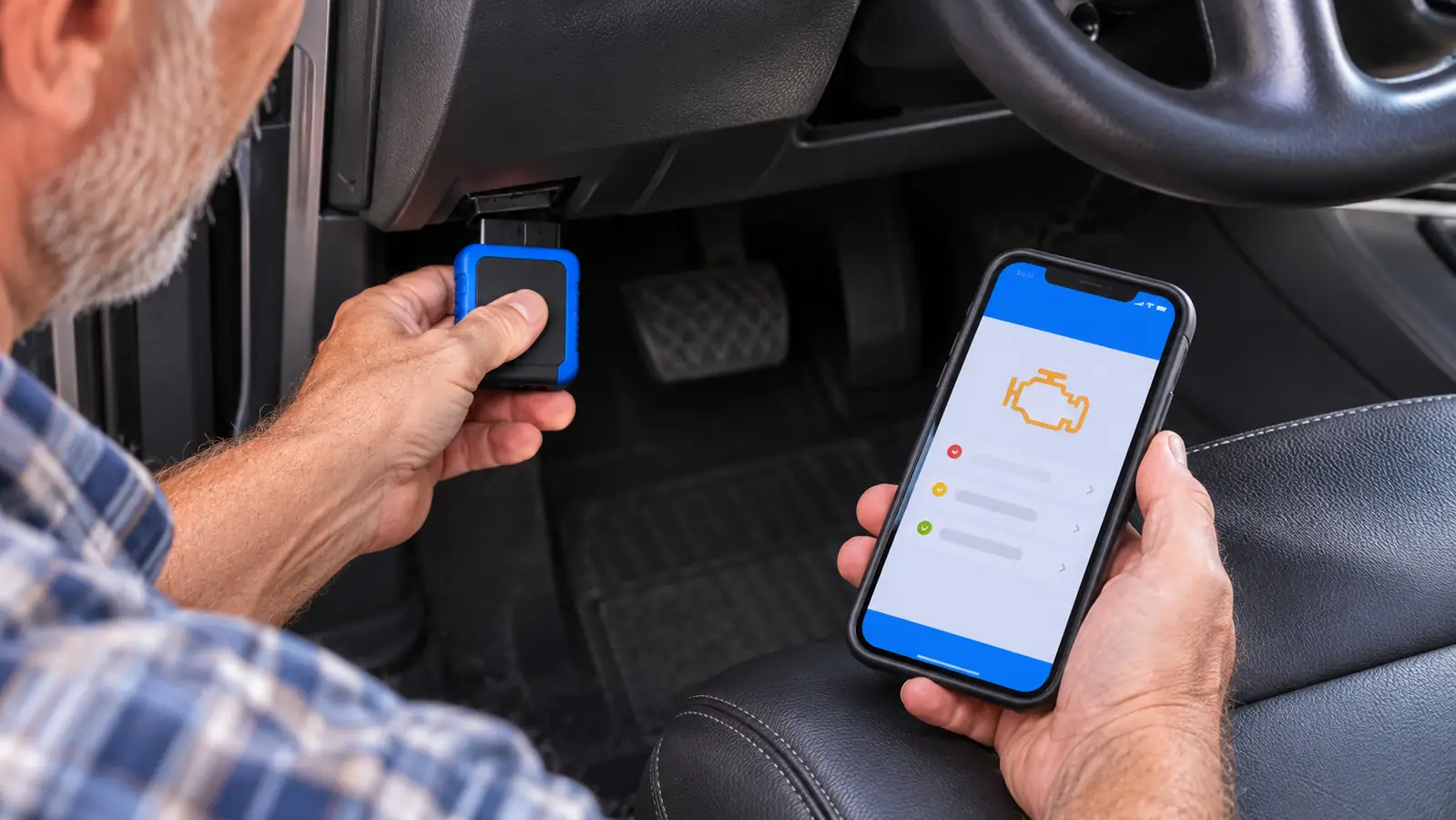
That is why I bought the BlueDriver. It is a Bluetooth OBD2 scanner that plugs into the diagnostic port under the dash and talks to an app on my phone. No screen on the tool itself, no wires to trip over, no subscription to worry about. Two years later, it is one of the tools I reach for more than I expected. This review covers how I have used it in my home garage, what it does well, where it falls short, and who should actually buy one.
The Quick Verdict
The BlueDriver is the code reader I recommend to anyone who works on their own gas vehicle. It reads and clears more codes than a basic reader, shows live data and freeze frames, checks smog readiness, and covers ABS, SRS, and TPMS, all from a phone app with no subscription. It is not a shop-grade scan tool, but for a home garage it is hard to beat.
Amazon Check Today's Price →Read and clear codes without leaving the driver's seat
The BlueDriver plugs into the OBD2 port and pairs with the BlueDriver app on your phone. No subscription, no screen to squint at, no wires. If you keep your own vehicles running, this is the tool that pays for itself the first time it points you to a bad sensor.
Amazon Check Today's Price on Amazon →How I've Used It
The check-engine light on the F-150 is what sent me shopping. The truck is a 2011 model and I have owned it since 2014, so I know its habits. When the light came on, I plugged the BlueDriver into the OBD2 port under the dash, opened the app on my phone, and within a minute it gave me a code pointing to the oxygen sensor on bank one. The freeze frame showed the sensor voltage sitting near zero, which told me the heater circuit had failed, not the sensor element itself. I ordered the part on a Wednesday, swapped it in on Saturday morning before the heat came up, cleared the code, and the light stayed off for good. The whole job took about an hour. That alone covered what the tool cost me. The full story of that first check-engine light is here: [the check-engine light story](/bluedriver-check-engine-light-story/).
Since then I have used it on both vehicles in our driveway. Marlene's 2016 Honda CR-V gets the same treatment when its light comes on, and Travis has brought his car over from Sacramento more than once with a check-engine light he swears just came on. The BlueDriver does the same thing every time: it reads the code, shows the freeze frame so I can see what the engine was doing when the code set, and lets me clear the code after the repair.
The thing I use more than I expected is the live data. You can watch sensor readings in real time while the engine runs. When I was chasing an intermittent miss on the F-150, I could see the readings jump around on the phone screen instead of guessing. One Saturday I sat in the driver's seat with the engine idling and watched the fuel trims settle, something I used to have to take the truck to a shop to see. That kind of confirmation is worth a lot when you are standing in a garage with a wrench in your hand.
What the BlueDriver Does Well
The first thing to understand is that this is not a basic code reader. A basic reader will pull a code like P0420 and leave you to figure out what it means. The BlueDriver reads and clears more codes, and it covers systems a cheap reader will not touch. The title says ABS, SRS, and TPMS, and in my experience it does read those modules. When Travis's car had a tire pressure light that would not go away, the BlueDriver showed me the TPMS data and I found a sensor with a slow leak. Without it, I would have been guessing, or paying a shop to scan it.
The freeze frame data is another thing I have come to rely on. When a code sets, the engine computer records a snapshot of what was happening at that moment: engine speed, load, temperatures, the works. The app shows that snapshot right alongside the code. That turns a code from a mystery into a starting point. Instead of throwing parts at a problem, you can look at the freeze frame and decide whether the code makes sense with what the engine was doing.
Smog readiness is the quiet workhorse feature. In California, where I live, the emissions monitors need to show ready before a smog check will pass. The BlueDriver lets me check readiness from the app before I take a vehicle in. Last spring, when Marlene's CR-V was due, I ran the check and found two monitors not ready. I put about forty miles of highway driving on it over two days, checked again, and watched them flip to ready. The test passed on the first try, instead of me paying a shop to run the same check. Mode 6 test results are in the same category. It is not glamorous, but it is exactly the kind of thing a home mechanic needs.
Where It Falls Short
No tool is perfect, and the BlueDriver has limits. The biggest one is that it depends on your phone. If your phone is dead, or the app is not open, the scanner is just a plug sitting in the port. A shop-grade scan tool has its own screen and its own buttons, and it does not care whether your phone is on the bench. For me that is a fair trade, because I always have my phone. But it is worth knowing before you buy.
The second limit is depth. The BlueDriver is excellent at reading and clearing codes and showing live data, but it is not a full diagnostic workstation. It does not do the deep, vehicle-specific functions that a professional scan tool does, and it will not walk you through a repair step by step. It tells you what the computer sees. You still have to do the thinking. If you are looking for a tool that will diagnose the problem for you, this is not that tool.
There is also the phone app itself to get used to. It works, and it is laid out well enough, but it has its own way of organizing things. The first time I used it, I had to hunt for the live data screen. That is a small thing, and it gets easier with use, but I would rather be honest about it than pretend everything is perfect.
How It Compares to a Basic Code Reader
The difference between the BlueDriver and a basic code reader is the difference between a map and a GPS. A basic reader gives you a code and sends you on your way. The BlueDriver gives you the code, the freeze frame, live data, readiness status, and Mode 6 results, all in one app. For a home mechanic, that extra information is what turns a code into a repair. A full comparison of the two is worth reading if you want the details: [BlueDriver vs a basic code reader](/bluedriver-vs-basic-code-reader/).
The other difference is the subscription. A lot of scan tools these days want a monthly fee to unlock the useful features. The BlueDriver does not. You buy the tool, you install the app, and you are done. I have owned mine for about two years, and I have never been asked to pay for anything. That alone is worth something, because a tool you have to pay rent on is a tool that stops being useful the month you let the subscription lapse.
The no-subscription approach matters more than people think. I have a drawer full of tools that are only as good as the battery in them, and I do not want another one. The BlueDriver is the opposite. It sits in my tool chest, and when I need it, it works. No plan to cancel, no account to argue with, no reason to leave it on the shelf.
The Long-Term Test
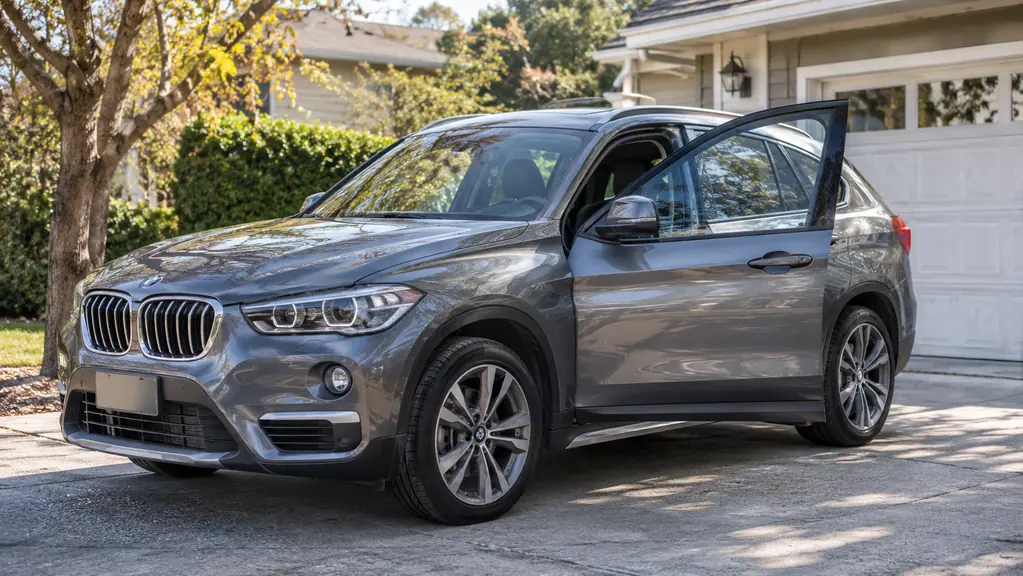
Two years is a long time for a tool to prove itself. In that time the BlueDriver has been shoved under seats, left in the truck overnight in December, and dropped on the concrete floor twice, once hard enough that I picked it up expecting a cracked case. It still pairs on the first try. The December night it spent in the truck, the app connected the next morning like nothing had happened. Travis has borrowed it twice, and both times it came back working the same as the day I bought it. The Bluetooth connection has been dependable, the app has been updated a few times without me having to pay, and the scanner itself has never given me a reason to doubt it.
The real test, though, is whether it has saved me money. I keep a rough tally in my head. The oxygen sensor on the F-150 is the obvious one, because a shop would have charged me an hour of labor just to tell me what the light meant. But the smaller saves add up too: the TPMS sensor on Travis's car, the smog readiness checks, the times a code turned out to be something simple that a shop would have charged me to diagnose. A separate article covers why a scanner like this pays for itself: [10 reasons an OBD2 scanner saves diagnostic fees](/10-reasons-obd2-scanner-saves-diagnostic-fees/).
The one thing I would tell anyone thinking about buying one is to spend a little time learning how the app organizes things. The tool itself is simple. The app has more layers than you expect, and once you learn where everything lives, it becomes second nature. That is a small hurdle, and it is the only one I have hit in two years.
What Surprised Me
The biggest surprise was how often I reach for it on vehicles that do not have a check-engine light on. The live data view makes it a quick way to check whether a sensor reading looks sane before I dig into a repair. It is also handy for verifying that a repair actually worked. Clear the code, drive, and watch the monitors run through their checks. When the readiness monitors flip to ready, I know the repair took.
The second surprise was how much I appreciate the lack of a subscription. I have owned scan tools that wanted a paid plan to unlock the features I actually needed. The BlueDriver does not do that. You buy it, you install the app, and the features are there. In a world where everything wants a monthly fee, that is worth a lot.
What I Liked
- Reads and clears more codes than a basic code reader, including ABS, SRS, and TPMS
- Shows live data, freeze frames, smog readiness, and Mode 6 results in the app
- No subscription. Buy it once and it is yours.
- Bluetooth connection means no wires and nothing to mount on the windshield
- Works with iOS and Android phones
- 180-day money back guarantee if it does not work out
Where It Falls Short
- Depends on your phone. No phone, no diagnostics.
- Not a shop-grade scan tool. It won't do the deep, vehicle-specific functions a professional unit does.
- The app takes a little getting used to at first
- Only covers gas vehicles 1996 and newer, plus select light-duty trucks
When the F-150's check-engine light came on, the BlueDriver pointed me to a bad oxygen sensor. One part, one Saturday, done.
Who This Is For
If you keep your own vehicles running, and you are tired of paying a shop to read a code you could read yourself, the BlueDriver is for you. It is also for the person who wants more than a basic code reader but does not want to spend shop-tool money. It fits in a tool chest drawer, works with the phone you already carry, and covers the vehicles most of us actually drive: gas vehicles from 1996 and newer, plus select light-duty trucks. If you live in a state with smog checks, the readiness screen alone is worth the price of admission.
Who Should Skip It
Skip it if you only want to read a code once and never think about it again. A basic reader will do that for less money. Skip it if you are a professional technician who needs the deep, vehicle-specific functions of a shop-grade scan tool; no phone app is going to replace that. And skip it if you do not want to use a phone app at all. The BlueDriver has no screen of its own, so the phone is not optional. If that bothers you, a scanner with a built-in display is a better fit.
The BlueDriver belongs in a home garage tool chest
Two years in, it is one of the tools I reach for most. It reads and clears codes, shows live data and freeze frames, checks smog readiness, and never asks for a subscription. If you work on your own vehicles, this is the scanner to start with.
Amazon Check Today's Price on Amazon →