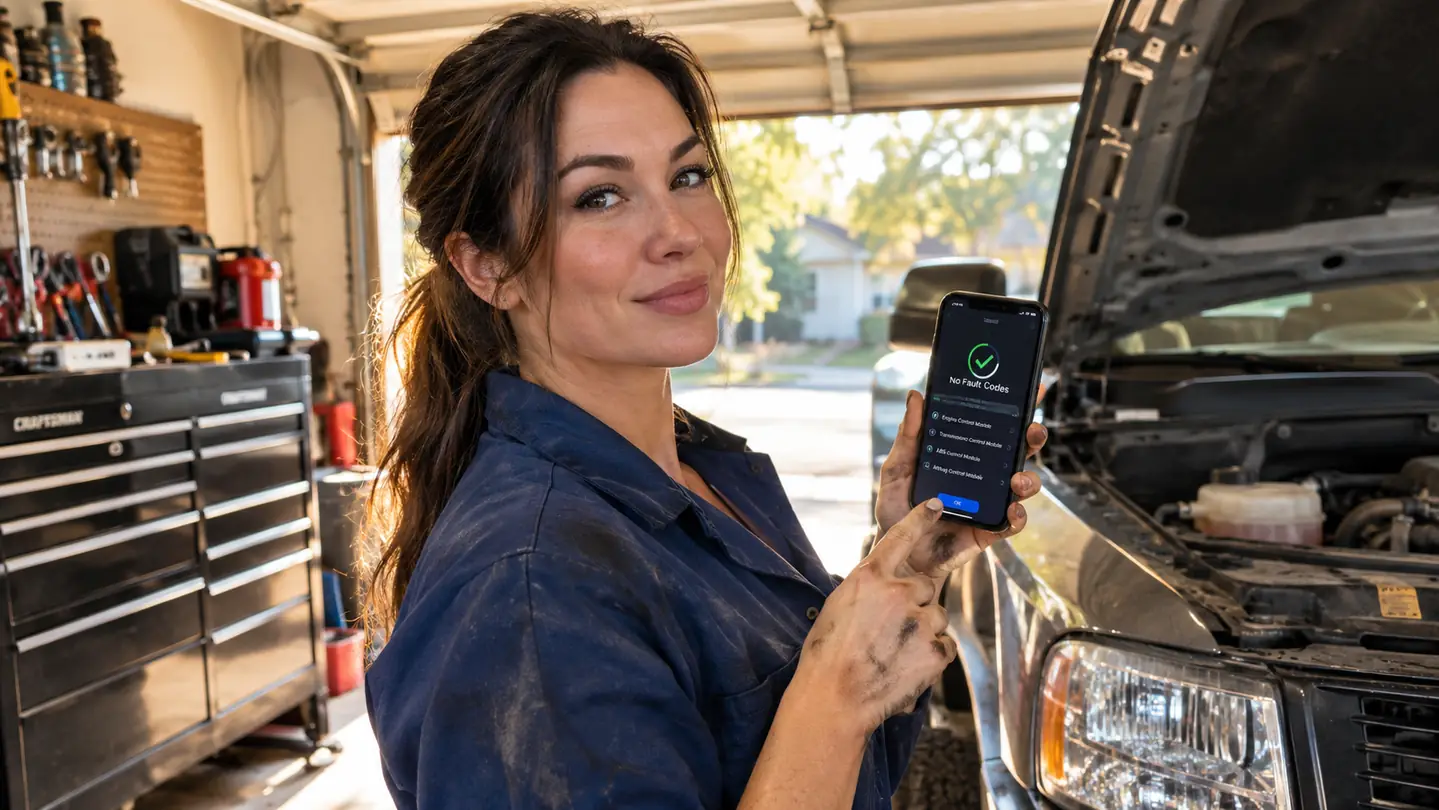
That check engine light has a way of ruining a Saturday. Mine came on two years ago in my 2011 F-150, right as I was loading the bed for a run to the dump. My first thought was the expensive one: something inside the engine let go and the repair bill was going to eat the month. My second thought was to drive it straight to a shop and pay them to tell me what was wrong. I did neither. I grabbed the BlueDriver OBD2 scanner off the bench, plugged it into the port under the dash, and let the app tell me what the truck was actually complaining about.
The light is a warning, not a verdict. The BlueDriver reads the code, the app shows it on your phone, and suddenly you are deciding instead of guessing. In my case the truck was pointing at a bad oxygen sensor. One part, one Saturday, and the light stayed off for good. This guide walks through the whole process, from finding the port to clearing the code, so you can do the same without paying a shop to read a number you could have read yourself.
Read the code before you pay someone to read it for you
The BlueDriver plugs into your OBD2 port and connects wirelessly to the BlueDriver app on your iOS or Android phone. No subscription, no screen on the tool, just the code and the data to back it up.
Amazon Check Today's Price on Amazon →Step 1: Find the OBD2 port and plug in the BlueDriver
The port is almost always under the dash on the driver's side, somewhere between the steering column and the hood release. On my F-150 it sits up under the dash, easy to reach if you sit on the floor with a drop light. On Marlene's CR-V it is tucked in the same area, near the fuse panel. If you cannot find it, the owner's manual has a diagram. Every gas vehicle made in 1996 or newer has one, and that is what the BlueDriver is built for.
The BlueDriver has no screen of its own. It is a Bluetooth scanner. You plug it straight into the port and it sits there out of the way while the app on your phone does the talking. No wires to route, nothing to mount, nothing to lose. The included components are the scanner and access to the BlueDriver app, which runs on iOS and Android. If you can plug in a phone charger, you can install this.
One thing that surprises people: the same scanner works on every vehicle in the driveway. I use one BlueDriver on the F-150 and on the CR-V. It covers gas vehicles made in 1996 or newer, plus select light-duty trucks, which takes in just about everything a home mechanic owns. The power comes from the vehicle itself through the port, so there are no batteries to charge and no cords to keep track of. The same unit that reads my truck will read a neighbor's car if they ask, which happens more than you would think.
Step 2: Pair the scanner with the BlueDriver app on your phone
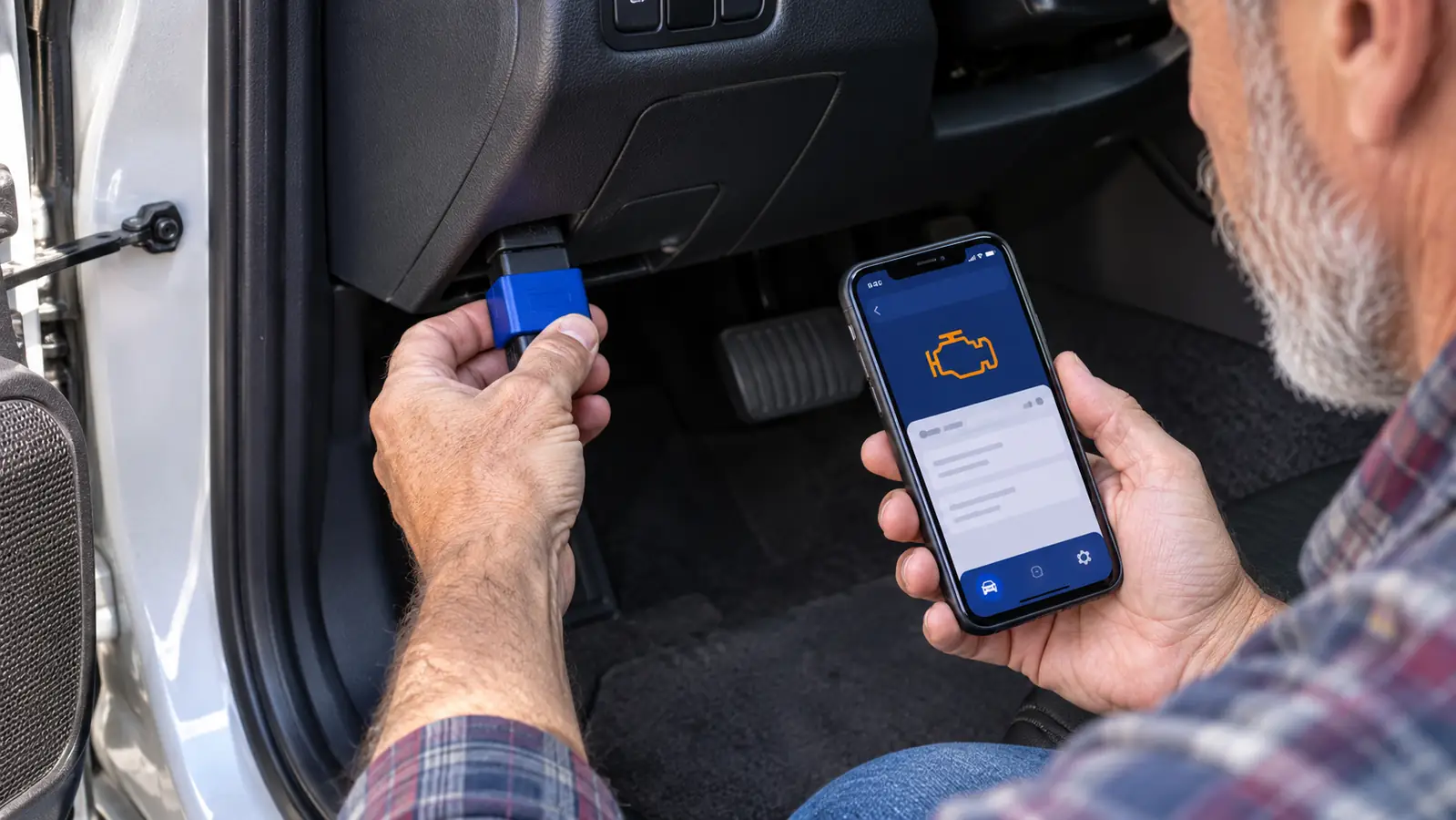
With the scanner plugged in, turn the key to the run position. You do not need to start the engine to read codes; you just need to power the port. Then open the BlueDriver app on your phone and pair the scanner over Bluetooth, the same way you would pair any device. It took me longer to find my reading glasses than it did to pair the scanner.
Once it connects, the app is the whole interface. The code shows up on the phone, and the code itself tells you where to start. The letter at the front names the system: P is powertrain, C is chassis, B is body, U is network. When the BlueDriver gave me an oxygen sensor code on the F-150, I knew I was looking at the emissions side of the powertrain, not the transmission or the brakes. Once you know the system, you know which corner of the garage to start in.
I will be straight with you: the app is the reason to buy this over a basic code reader. A basic reader gives you a number and a blinking light. The BlueDriver gives you the code, the live data to confirm it, and the ability to clear it when the fix is done. For a home mechanic, that is the difference between a clue and a guess.
Step 3: Read the code and decide what it is really telling you
The first thing you will see is the code itself, a letter followed by four numbers, something like P0301 or C0035. The BlueDriver reads and clears more codes than a basic car code reader, including ABS, SRS, and TPMS codes, which is why those letters are in the product name. That matters when the brake light, the airbag light, or the tire pressure light is the one that is on, not just the check engine light.
Here is where I want to slow you down. A code is a clue, not a diagnosis. When the BlueDriver pointed to my oxygen sensor, it did not mean I should throw a part at the truck and hope. It meant I should check the wiring, watch the sensor reading in the live data, and confirm the failure. I did, found the sensor was the problem, and replaced it. If I had cleared the code without fixing anything, the light would have been back within the week.
Take the time to understand what the code is asking you to check. A loose gas cap sets an emissions code. A failing sensor sets a different one. A misfire code names the cylinder that is missing. The app shows the code and the live data you need to look closer, and the freeze frame tells you what the engine was doing when the code set. From there, you decide whether the fix is a Saturday job or a shop trip. That decision is the whole point of owning a scanner.
Step 4: Use live data, freeze frames, and Mode 6 to find the real problem
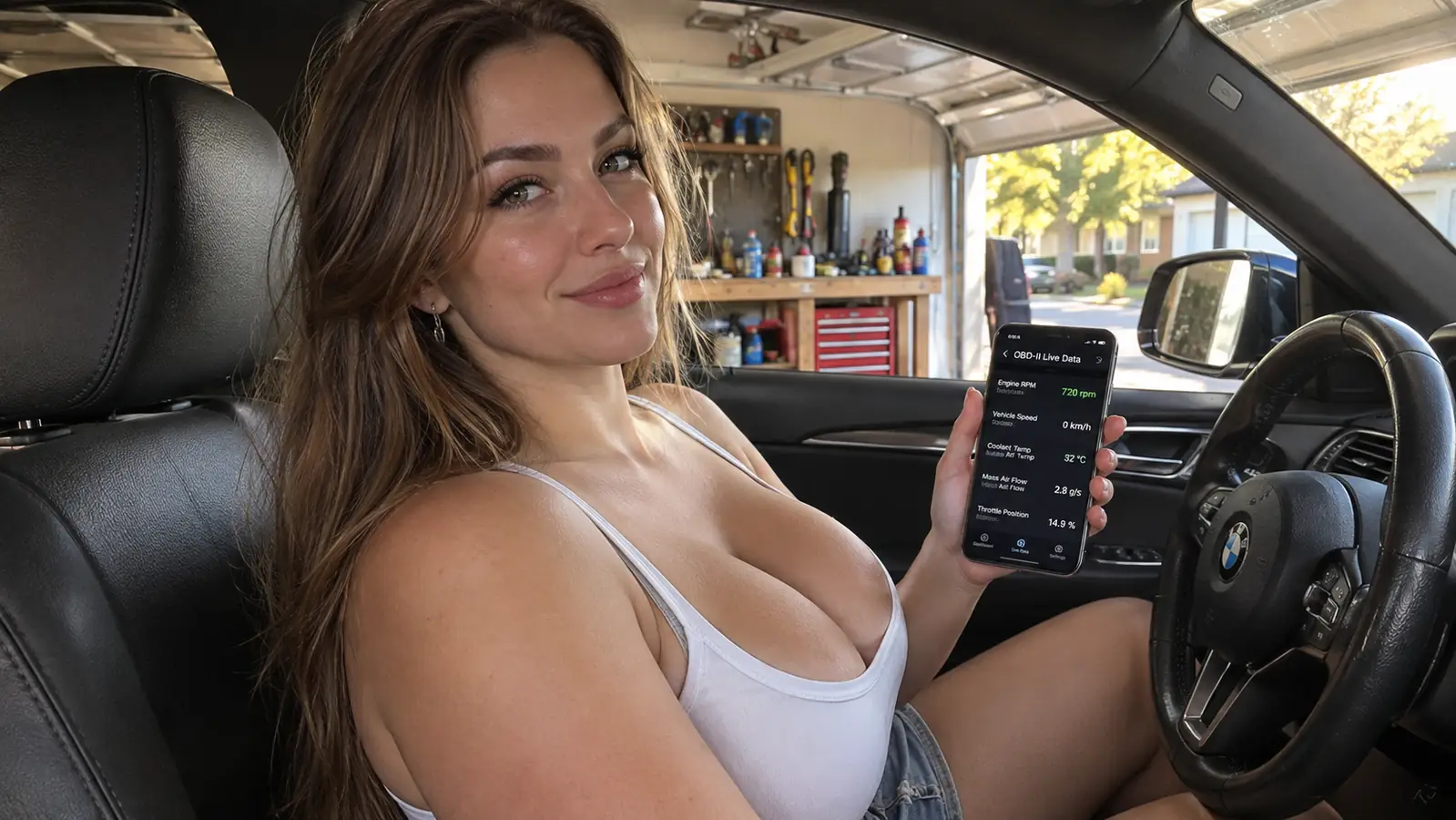
This is the step that separates the BlueDriver from a basic code reader. While the engine is running, the app shows live vehicle data as you drive: engine speed, coolant temperature, fuel trims, oxygen sensor readings, all of it moving in real time. Watching the numbers as the engine warms up tells you more than any single code. A sensor that reads fine at idle but drifts under load is a different problem than one that is dead flat. You can watch the oxygen sensors switch as the engine warms up, which tells you the catalytic converter is doing its job.
Freeze frames are the other gift. When the computer sets a code, it takes a snapshot of what the engine was doing at that exact moment: engine speed, load, temperature, road speed. That snapshot is the fingerprint of the failure. If the freeze frame shows the code set at highway speed under light load, you look at different things than if it set at idle in the driveway.
Mode 6 test results and smog readiness are the ones you will care about if you live in a state with emissions testing. The BlueDriver checks smog readiness and lets you analyze Mode 6 test results, the same data a smog station uses. That means you can check readiness at home, fix what is not ready, and drive until the monitors set, instead of failing a smog check and paying for a retest. Knowing which monitors are not ready tells you exactly what to fix before you spend money on a retest.
Step 5: Clear the code, verify the fix, and know when to call a shop
After you make the repair, clear the code with the app. Then drive the vehicle. The honest way to verify a fix is to let the computer run its own checks, which takes a drive cycle: a cold start, some city driving, some highway driving. A typical drive cycle takes a day or two of normal driving, so do not expect the answer in five minutes. If the light stays off and the monitors go ready, you fixed it. If the code comes back, you did not, and that is useful information too. It means the problem is somewhere else.
A word about clearing codes without fixing anything. I have seen people clear a code to get a sticker or to make the light go away before selling a car. Do not be that person. Clearing a code without fixing the cause is like turning off a smoke alarm and going back to bed. The BlueDriver will clear the code, but the vehicle will tell you again, usually at the worst moment.
Know when to call a shop. I spent thirty years turning wrenches on heavy equipment, and I still take work to a shop when the job needs a lift, a scan tool that does more than I own, or a warranty. Reading the code is always worth doing first. It tells you whether the fix is a part and an afternoon, or a conversation with a professional. The BlueDriver is a tool for the first kind. It is not a substitute for a mechanic when the job is over your head, and no tool should be.
What Else Helps
A code reader earns its keep when you can act on what it tells you. In my garage, the BlueDriver sits in the tool chest next to the things that actually fix the car: a socket set that covers most bolt work, a torque wrench for anything that threads into an engine, and a floor jack with jack stands for anything underneath. The scanner tells you what is wrong. The other tools fix it. Together they turn a check engine light from a bill into a job list.
One more thing that helps is patience. Read the code, look at the live data, think about the freeze frame, then decide. The BlueDriver comes with a no-risk, 180-day 100% money back guarantee, so you can try it without much risk. The real value shows up over years, every time the light comes on and you already know what to do.
Start with the cheap fixes. A loose gas cap is one of the most common reasons a check engine light comes on, and it costs nothing to check. The BlueDriver will show you the code either way. Tighten the cap, clear the code, and drive. If the light stays off, you just saved yourself a trip to the shop. If it comes back, you have a real answer and a place to start.
The BlueDriver pointed me to a bad oxygen sensor on my 2011 F-150. One part, one Saturday, and the light stayed off.
Every time the light comes on now, I know the drill. Plug in the BlueDriver, read the code, look at the data, and decide. Most of the time it is something I can fix in the driveway. The few times it is not, I walk into the shop already knowing what the problem is, and that alone makes the tool worth owning.
Know what that light means before you pay a shop to tell you
The BlueDriver reads and clears codes, shows live data and freeze frames, checks smog readiness, and covers ABS, SRS, and TPMS codes, all from your phone. No subscription. No screen on the tool. Just answers.
Amazon Check Today's Price on Amazon →